Beltroni AI - Integration Guide: Deploying Your Agent's 5G Phone Number
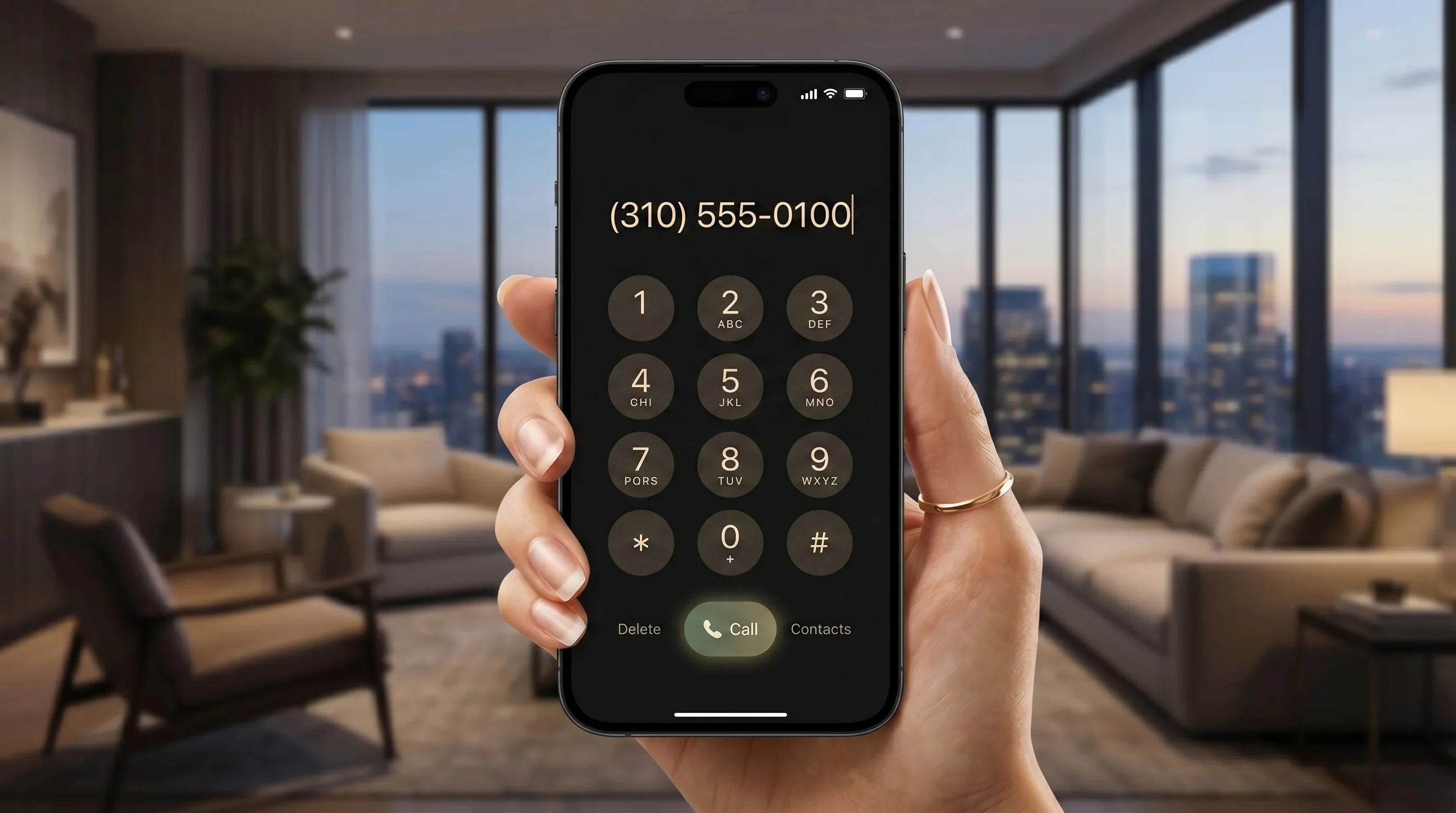
Deploying a high-performance voice worker should be as natural and friction-free as making a phone call. If you want to use the Beltroni AI Voice Agent to handle incoming calls only, there is no source code to write, no script tags to inject, and no mobile SDKs to compile. You just need a phone number provided by Beltroni after deploying your AI voice agent.
Prior setup recommended: Before forwarding your calls, you must train your agent's brain and establish its scheduler. Learn how to configure your custom knowledge base and calendar integrations in our 15-Minute Voice Agent Setup Guide first.
The Zero-Code Deployment Alternative
For many companies, customer acquisition and client interactions happen entirely over standard voice calls. While our web widgets and mobile app integrations are ideal for digital-first platforms, businesses like call centers, local home service teams, law firms, and medical clinics need a pure telecom solution.
Beltroni AI's Phone-Only Agent completely eliminates development overhead. Instead of building web frameworks, we provision a dedicated, high-fidelity local or toll-free number for your AI Voice Agent. Your deployment is reduced to a single, non-technical step: setting up call forwarding on your business phone line to your dedicated Beltroni number.
No developers, no scripts, no plugin installs. Designed for business owners and operational managers.
Provisioned over high-fidelity telecom channels with sub-400ms voice response times for fluid conversations.
Live deployment in seconds. Just turn on standard call forwarding with your existing carrier.
How to Forward Your Business Calls
Call forwarding is a standard telecom capability supported by every major carrier (such as AT&T, Verizon, T-Mobile, Comcast, and VoIP providers). You have two primary ways to orchestrate this on-demand:
📞 1. Conditional Call Forwarding (Recommended)
Forwards incoming calls to your Beltroni AI agent only if your line is busy, unanswered after a few rings, or unreachable. This acts as a flawless overflow bridge, ensuring that you can still answer important calls personally, while the AI covers any call you might otherwise miss.
⚡ 2. Unconditional Call Forwarding
Forwards every single incoming call directly and instantly to your AI agent. This is perfect for after-hours operations, weekend coverage, or fully automated lead qualification centers where you want the digital employee to act as the primary, high-performance receptionist.
Tip: For most standard mobile phones and landlines, you can toggle call forwarding in seconds using quick carrier dial codes. For example, dialing *72 followed by your Beltroni number will activate unconditional forwarding on many networks, while dialing *73 turns it off. Check your specific carrier's guide for their exact star-code.
Visual Comparison: Beltroni AI Voice Agent's Deployment Strategies
When choosing the right deployment surface for your Beltroni AI workforce, evaluate your team's development resources and operational channels:
| AI Voice Agent's Deployment Metric | Beltroni's Website Voice Agent | Beltroni's Native & Embedded Voice Agents | Beltroni's Phone-Only Voice Agent |
|---|---|---|---|
| Required Code | Single Script Tag Injection | WebView Wrap & Native SDKs | None (Zero Code) |
| Technical Skill | Basic Webmaster / HTML Editor | Mobile App Developer | Non-Technical (Simple Dial) |
| Action to Deploy | Paste code in website header | Compile & build app WebView container | Forward phone number |
| Launch Time | 5 to 10 Minutes | 15 to 30 Minutes | Under 30 Seconds |
| User Access | Website browser visitors | App store users | Any incoming call (all phones) |
| Updates & Training | Auto-synced from Dashboard | Auto-synced from Dashboard | Auto-synced from Dashboard |
The Pre-Deployment Checklist: Brains & Calendars
Because the telecom deployment itself requires no technical effort, you can focus 100% of your energy on building a flawless customer conversation experience. Before activating call forwarding, complete these two steps in your Beltroni dashboard:
1. Custom Training (The Agent's Brain)
Upload your business knowledge files (pricing sheets, service catalog PDFs, guidelines, and context sheets) directly to the AI Tera Factory. Set the conversational rules, prompt policies, and tone. Select a premium, human-like voice profile suited to your industry to ensure your callers feel a natural, high-fidelity connection.
2. Integrate Calendars & Schedulers (The Agent's Clock)
Connect your Google or Outlook calendar to Beltroni AI in one click. Set your team's real-time availability. The AI Voice Agent will autonomously look up open slots, propose options to callers, book appointments, and send instant SMS/email confirmations—perfectly bridging the voice call to your physical workflow.
Why High-End Businesses Love Phone-Only AI Agents
Moving away from screen-based widgets offers significant advantages for premium operational environments:
- Maximum Inclusivity: Clients can call from landlines, flip phones, or cars without needing an internet connection, a smart device, or app store installs.
- Sub-400ms Conversation Latency: Guided by Beltroni's dedicated telecom routing paths, latency is virtually non-existent, ensuring that the conversational overlap, interruption handling, and verbal cues feel entirely human-like.
- Instant Scaling Moat: Traditional receptionists can only take one call at a time. Your Beltroni agent can process **hundreds of concurrent conversations** without a single busy signal, ensuring that no customer is ever placed on hold or sent to a dead voicemail.
🚀 Ready to set up your dedicated 5G Phone Agent?
Provision your dedicated local number in your dashboard, train your custom agent, and deploy your business number redirect in under 30 seconds.
Provision Your 5G AI Phone Agent NumberReady to go live?
Choose the perfect plan for your business and claim your dedicated voice agent number today.